
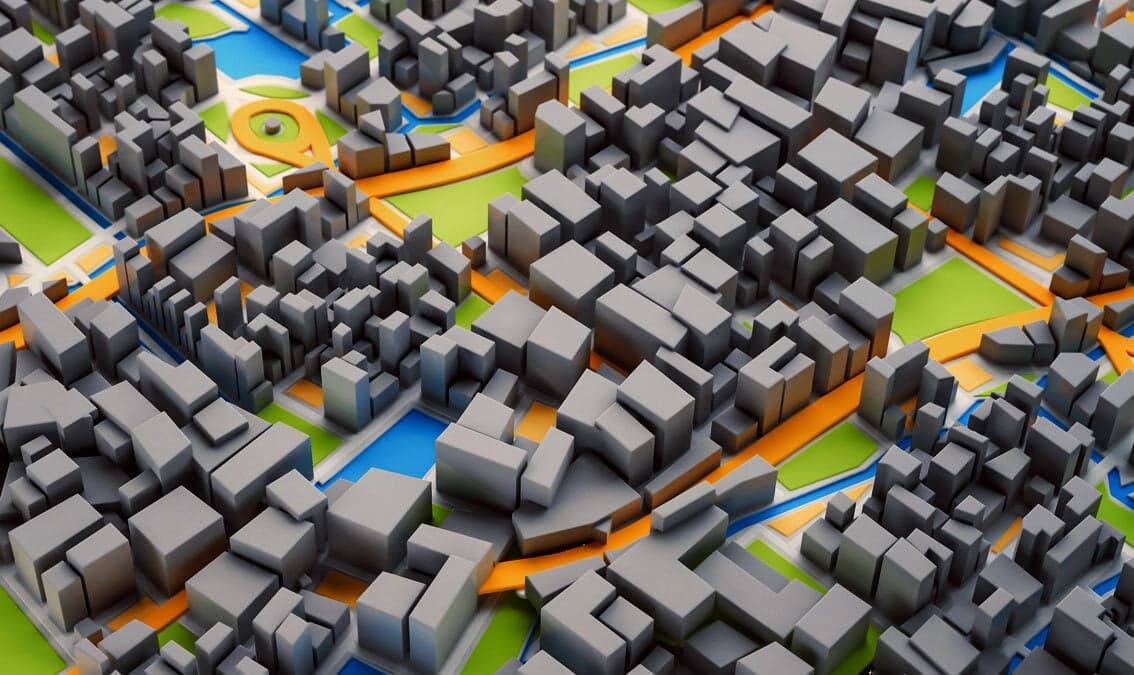
3D GIS
University of Alaska Fairbanks
Take your maps into the third dimension: Learn GIS concepts and tools to visualize, analyze, and interpret spatial data in 3D. Reveal patterns that can lead to problem-solving and better decision making.
About this Course
In this free online course you will learn fundamentals of third dimension 3D GIS mapping concepts and tools to visualize, analyze, and interpret geospatial data in 3D, enabling you to reveal patterns and relationships for more effective problem-solving and decision making. Short video tutorials and applications will move you through concepts in a manageable way. Maps are graphic representations of reality and help us understand and navigate the world around us. Maps can incorporate 3D content through contours, hillshading (3D modeling), and profile views. When the data include the third dimension, ArcGIS Scene mapping software allows us to navigate through the data in 3D space. This makes the data and the problem more understandable and reveals new visual insights. Data visualization and processing of the data sets in 3D allows us to include real-world elements in the analysis such as undulation of terrain and 3D extent of trees, building, and subsurface geology. Our world is three dimensional and many GIS applications now require 3D analysis. Esri’s ArcGIS Scene allows us to visualize GIS data on a world sphere. It provides a variety of tools for orientation, navigation, search, data preparation, building workflows and spatial analysis. 3D mapping and 3D visualization is used across a variety of industries, stakeholders, and academic disciplines. Use cases and concentrations include: Monitoring forest stand height and age Urban planning and 3D visualization Volumetric analysis of resource extraction from a mine or water level in a reservoir Watershed delineation to assess inundation risk, land management, environmental monitoring Verified track learners will receive one-year ArcGIS Pro Desktop (Windows) license with support only for tools used in the course in addition to unlimited course access and a verified certificate. Sign up for this online course or full GIS Essentials certificate today to expand your skillset in geographic information systems. 3b
What You'll Learn
- How to display and navigate 3D data in ArcGIS Scene
- How to edit and process 3D feature data
- How to carry out volumetric analysis
- How to display and process elevation raster (DEM: Digital Elevation Model) data
- Watershed mapping and delineation using a DEM
- Visualization of 3D feature and raster data in ArcScene
Prerequisites
- GIS1x: Geographic Information System (GIS) Foundations is highly recommended and precedes this course in the edX GIS Professional Certificate.Windows OS is required to run ArcGIS Pro software.
Instructors
Santosh Panda
Associate Professor
Chris Smith
Geospatial Data Analyst
Anushree Badola
Postdoctoral Researcher