
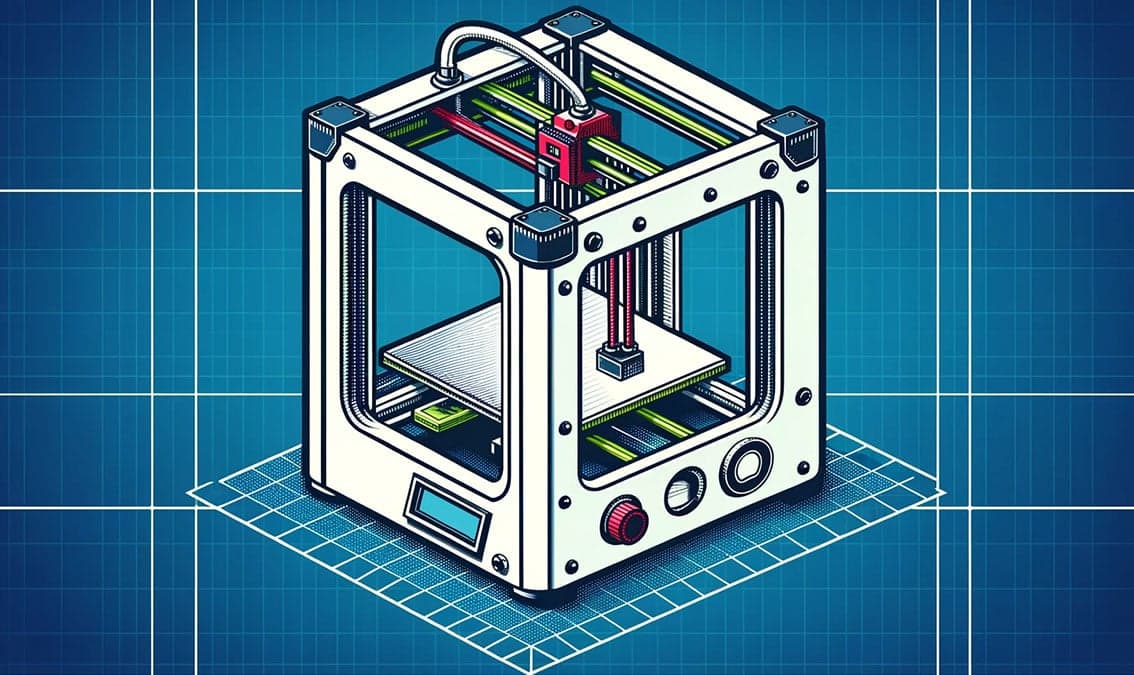
3D Printing Essentials: From Design to Reality
University of Alaska Fairbanks
Dive into the world of 3D printing with this online course! From 3D modeling in Tinkercad to exploring slicing software and printing your creation, this journey transforms beginners into capable makers, ready to bring their unique ideas to life. Start crafting your future, one layer at a time.
About this Course
This online course is designed to transform beginners into practiced makers. Over three short modules it will guide learners through the fascinating process of bringing your ideas to life using 3D printing technology. Work at your own pace through a series of short tutorials and quizzes that will ready you for managing the 3D printing process. Section 1: Dive into Design Kickstart your adventure by mastering the fundamentals of Autodesk Tinkercad. You'll begin by crafting a personalized keychain, learning to manipulate shapes by adding, resizing, creating holes, and grouping objects. As your skills advance, you'll explore more sophisticated features like mirroring and aligning. This work culminates in designing a unique makercoin that represents you, and utilizes all the skills you've acquired. Section 2: Slicing Software With a solid design foundation, you'll delve into the essentials of file types and slicing software. Using your Tinkercad-designed .STL file, you'll navigate Ultamaker’s Cura, though our teachings are versatile enough to translate to various slicing programs. This segment culminates in fine-tuning printer settings — supports, infill density, print temperature, and more — to ensure your design is perfectly prepped for printing. Section 3: Printing and Troubleshooting In the final stretch, you'll bring your digital creation into the physical world by printing your makercoin. This section's guidance is universal, fitting any 3D printer you might use. We wrap up with a practical exploration of common 3D printing challenges and effective troubleshooting techniques to maximize your printer’s performance, and jumpstart your prototyping. You will learn the fundamental skills necessary to operate any modern 3D printer, from Bambu to AnkerMake to Ultimaker to Prusa. Whether you’re looking to unleash your creativity, kickstart a hobby, gain a new skill for professional development, or prepare yourself to enter the growing fields of product design, product development, or robotics, this course is your gateway to the exhilarating world of 3D printing. Join us to transform the imaginary into reality, one layer at a time. 36:T40f,In
What You'll Learn
- Learn the basics of 3D designing in Tinkercad, including adding, resizing, creating holes, and grouping objects.
- How to align and mirror objects, as well as import .SVG files into Tinkercad to create more complex designs.
- How to adjust and change in slicing software such as adding supports, infill density, print temperature, and more.
- Pros, cons, properties and printer settings for 6 common types of filament: PLA, ABS, TPU, PET-G, PUI, and Nylon.
- How to print with and without a network connected printer.
- Troubleshooting techniques and the problem solving processes involved when prints fail, or are not as you expected.
- An understanding of the fundamentals of additive manufacturing in terms of FDM 3D printers.
Instructors
Zachary Cureton-Hazard
Instructional Designer and Makerspace Manager
Sean Holland
Associate Director of Learning Innovation